Welcome to SunCity Battle
SunCity Battle (SCB) is a web-based platform designed to manage breaking (breakdancing) championship events from start to finish — registration, brackets, judging, live scoring, and results.
This guide is written for everyone involved in a breaking event — whether you're an administrator setting up a championship, a judge scoring battles, a participant competing, or a spectator watching live results. No technical knowledge is required.
Roles on the Platform
Creates events, manages everything
Scores battles and picks winners
Registers and competes
Watches live results
Getting Started
Accessing the Platform
Open your web browser (Chrome, Firefox, Safari, or Edge) and go to:
https://your-domain.com/
Creating an Account
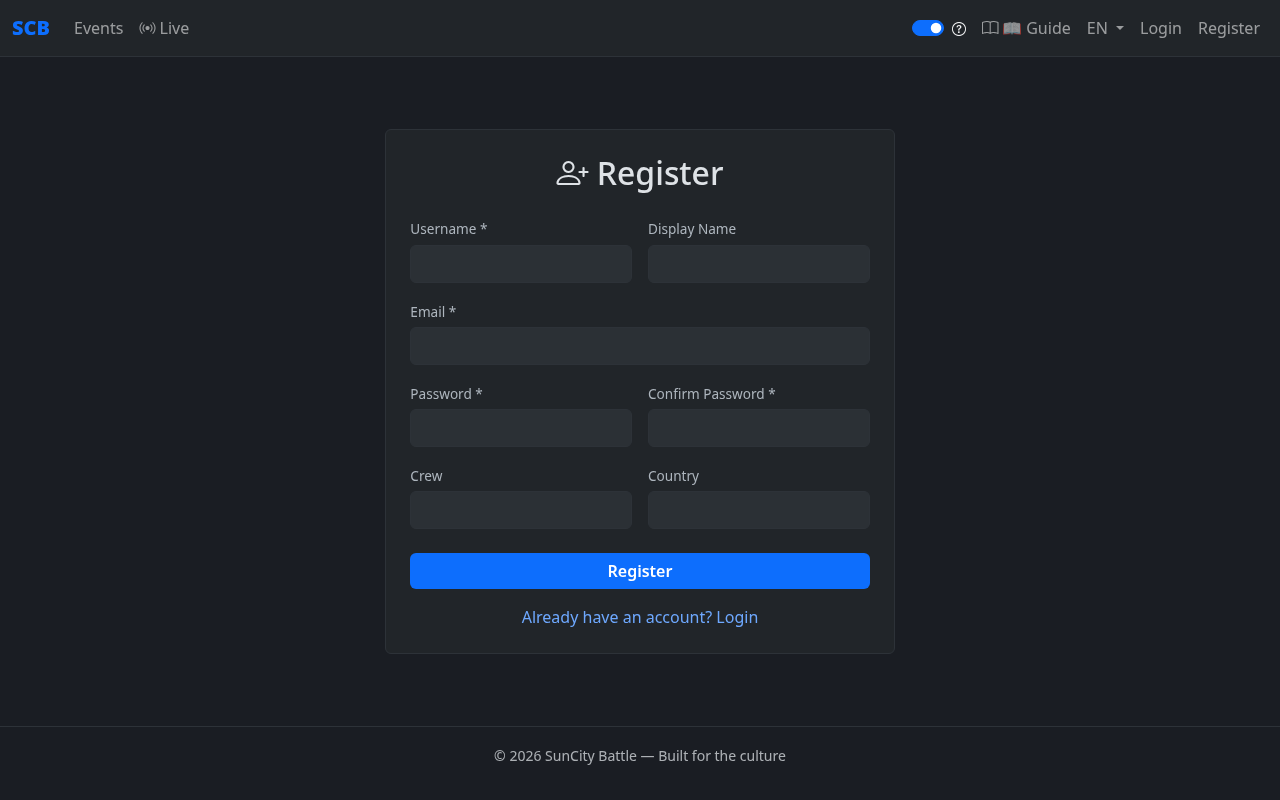
- Click "Register" in the top-right corner of the navigation bar.
- Fill in your username, display name, email (required), and password. You can also add your crew name and country.
- Click the "Register" button to create your account.
- Check your email for a verification link — click it to verify your account.
- Log in with your new credentials.
Logging In
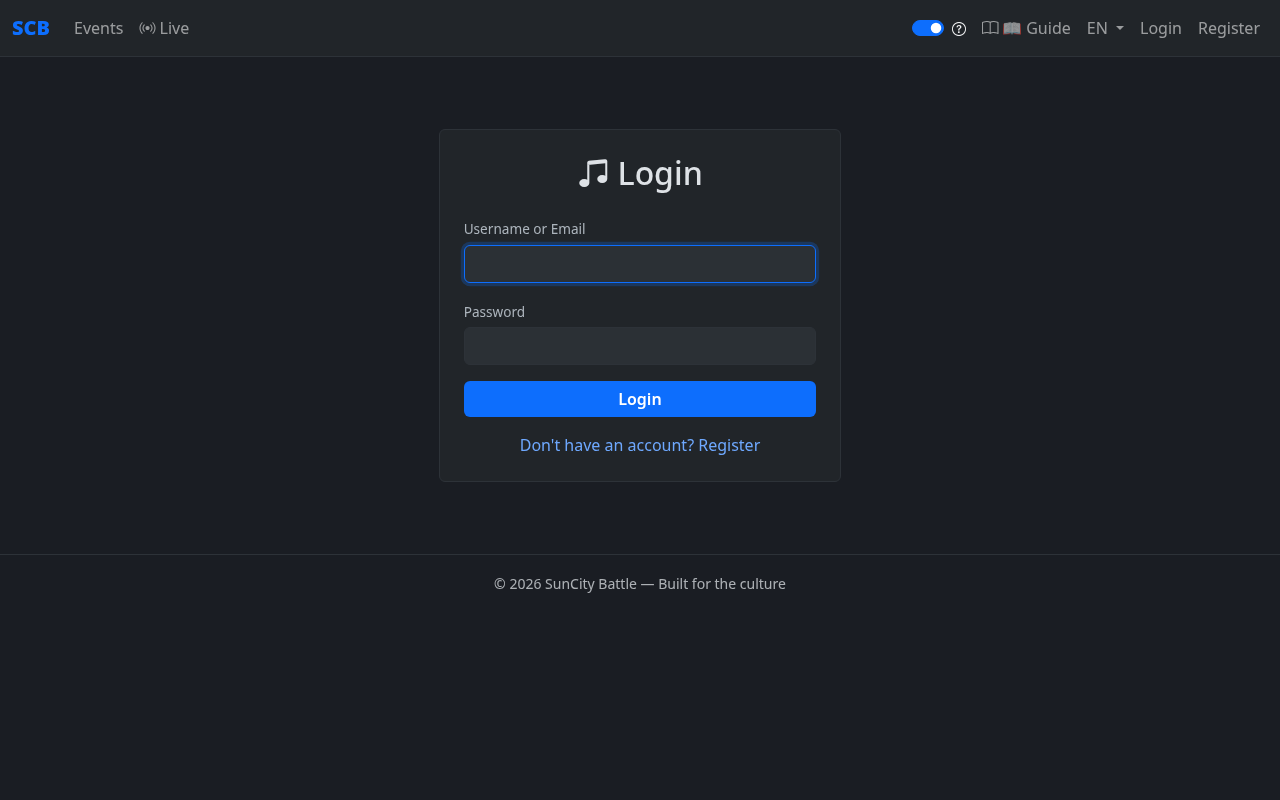
- Click "Login" in the top-right navigation.
- Enter your username and password.
- Click the "Login" button.
Understanding the Home Page
After logging in (or even as a guest), you'll see the home page listing all upcoming and current events.
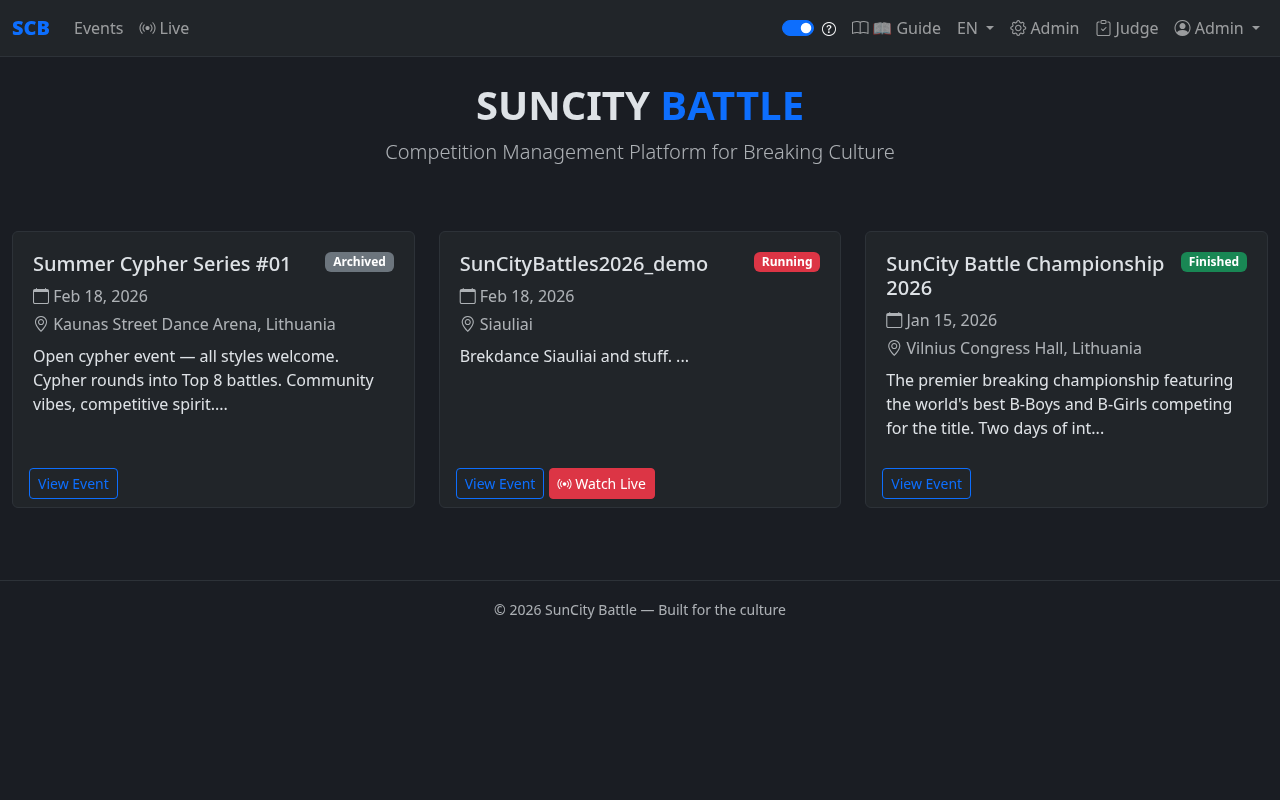
From here you can:
- Browse available events
- Click an event to see details, categories, and register
- Access live battle views
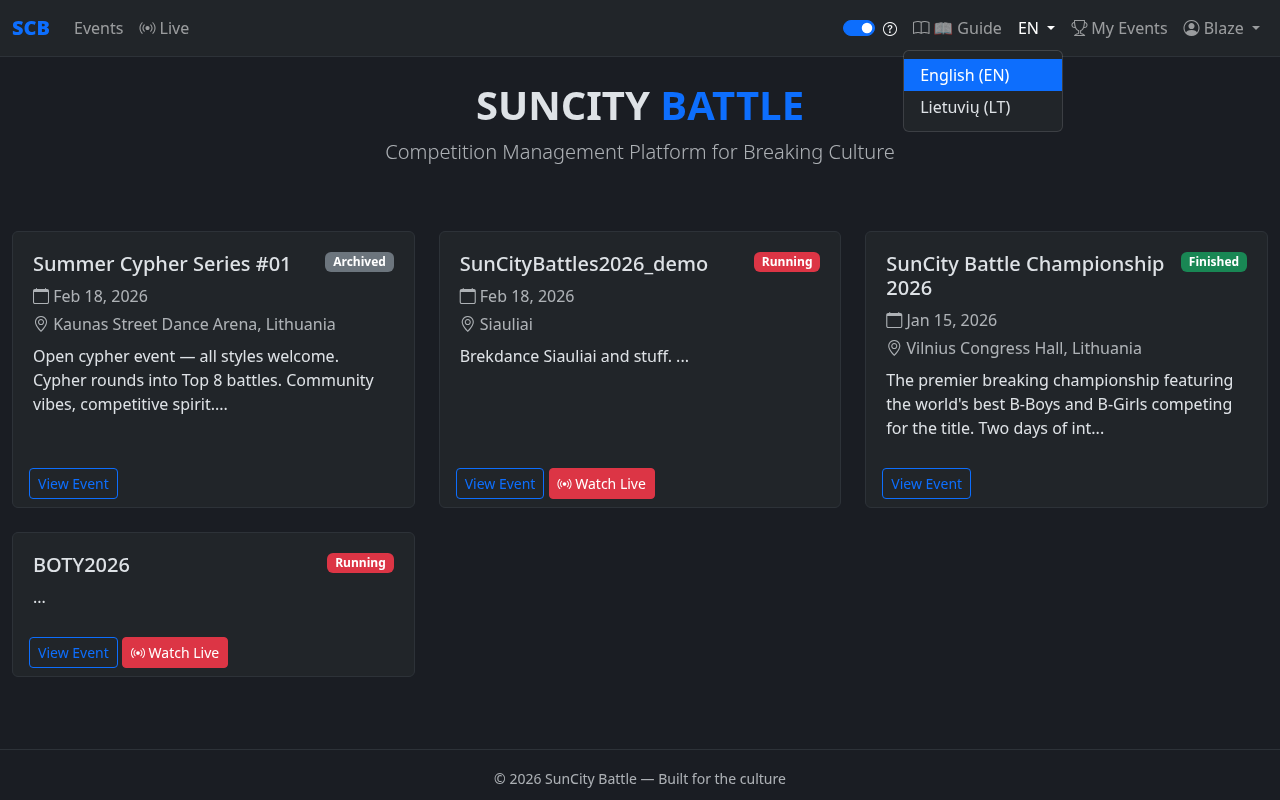
- Switch between English and Lithuanian using the language dropdown
Navigation Bar
When logged in, the top navigation bar shows additional links:
- My Events — View your participation history across all events
- Your Name ▾ — A dropdown menu with links to My Profile, Change Password, and Logout
Live Viewing Guide
This section is for spectators, stakeholders, and anyone watching the event — in person or remotely.
How to Access the Live Page
- Open your browser on your phone or laptop.
- Go to
https://your-domain.com/live - Select the event you want to follow.
- No login required!
What the Displays Mean
- Current Battle — Shows who's battling right now. The battle card takes full width with large, easy-to-read names. A subtle background image adds atmosphere.
- Round Results — Green and red dots below each participant show round wins and losses at a glance. Round badges display dancer nicknames instead of generic "RED"/"BLUE" labels. Active round badges are highlighted in yellow with a white border and are slightly larger for visual emphasis, while completed/pending rounds appear in gray.
- Scores — As judges submit votes, you'll see the results appear.
- Auto Bracket — When no battles are currently live and a phase is running, the tournament bracket automatically displays using a responsive SVG that scales to fit any screen. Winners are marked with a green ✔ checkmark. When a battle goes live, the bracket hides and the battle card appears.
- Phase indicator — Shows which stage of the tournament you're in (Top 16, Semifinal, etc.).
Projector Mode for Venue Screens
If you're setting up a display at the event venue:
- Open the live page on a laptop connected to a projector or TV.
- Click the "Projector Mode" or full-screen button.
- The display will auto-update as battles progress — no interaction needed.
The projector view is optimized for large screens:
- Slim info bar fixed at the bottom of the screen for a clean look.
- Bracket auto-displays between battles — no manual switching.
- Projector language can be set independently by the admin.
Frequently Asked Questions
Glossary
Key terms used throughout the platform:
| Battle | A head-to-head competition between two participants (or crews). The core unit of a breaking championship. |
| Bracket | The tournament tree showing all match-ups and how winners progress through phases to the final. |
| BYE | When a participant automatically advances to the next round without battling, usually because there's an uneven number of competitors. |
| Category | A competition division within an event (e.g., Solo BBoy, Solo BGirl, 2v2 Crew). |
| Check-in | Confirming that a registered participant has arrived at the venue and is ready to compete. |
| Cypher | A preliminary round where dancers perform in a circle. Judges observe and select who advances to the bracket stage. |
| Event | A complete championship or competition — the top-level container for categories, participants, and battles. |
| Heat | A group of battles within a phase that happen at the same stage of competition. |
| Phase | A stage of the tournament (e.g., Top 16, Quarterfinals, Semifinal, Final). Each phase has its own bracket and settings. |
| Round | One turn for each participant within a single battle (e.g., "3 rounds" means each dancer goes 3 times). |
| Seed | A ranking given to participants before the bracket is generated, ensuring top-ranked dancers don't face each other in early rounds. |
| Walkover | An automatic win given when the opponent doesn't show up, withdraws, or is disqualified. |
| Vote Mode | A judging mode where each judge simply picks a winner — no detailed scoring. |
| Criteria Mode | A judging mode where judges rate participants on customizable criteria. Defaults: technique, originality, musicality, execution, battle. Admins can change criteria and score range per category. |
| Head Judge | A designated lead judge who may have tiebreaking power or additional authority. |
| Projector Mode | A special full-screen display view designed for big screens at the event venue. |
| Tiebreaker | An extra round automatically created when judges' votes result in a tie. All judges must confirm before the tiebreaker round activates. |